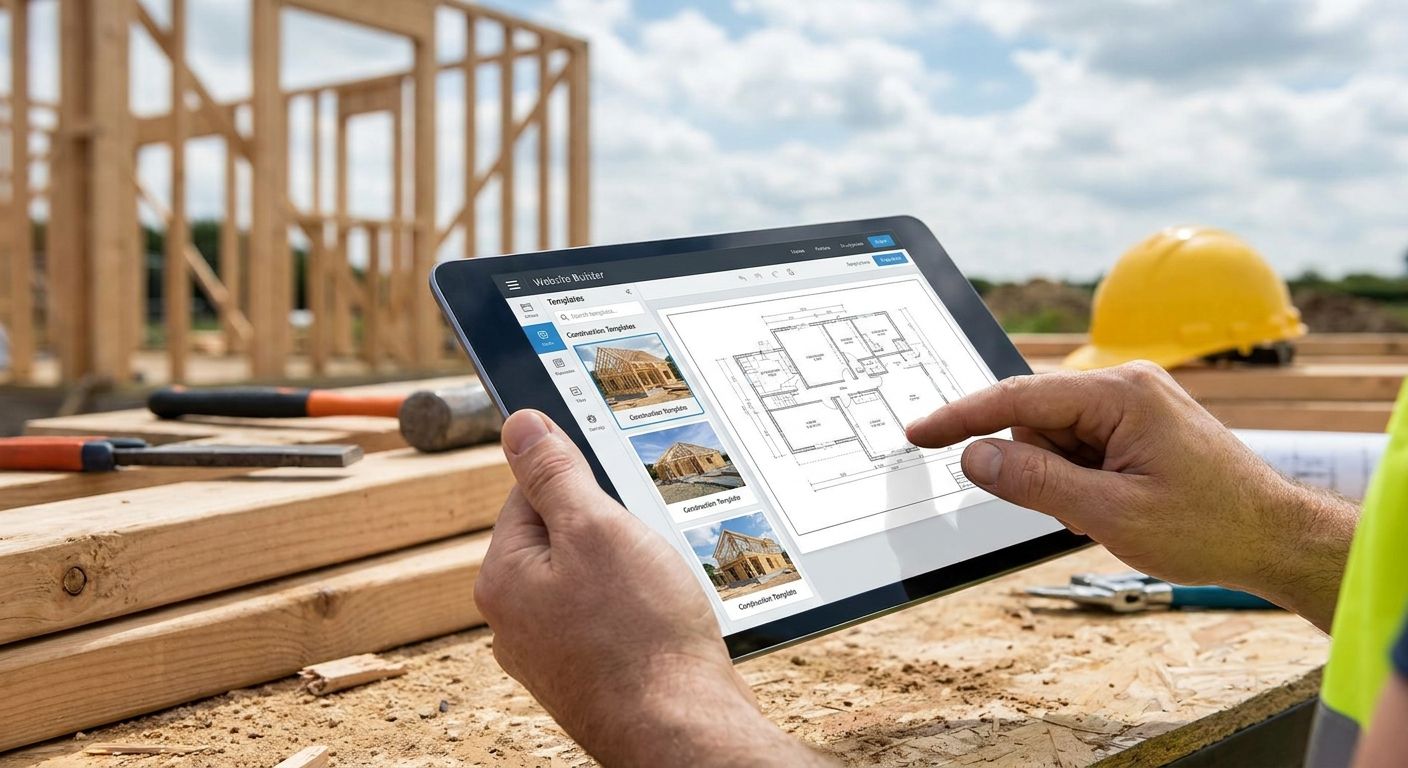
Contractors and tradespeople lose more leads to a slow, generic website than to bad reviews. If a homesite takes six seconds to load on a job-site phone signal or buries the quote form three clicks deep, the call goes to the next name on Google. This guide ranks the platforms that actually fit a trade business in 2026 — from DIY builders to a fully custom build — so you pick the right one the first time.
- The best website builders for contractors and tradespeople in 2026 range from DIY templates to fully custom builds.
- BL3SSED wins for contractors who want a lead-generation system, not just a homepage — verdict: Buy.
- Wix and Squarespace suit solo tradespeople who self-manage; Duda scales for multi-location crews.
- GoDaddy Website Builder gets a basic page live fastest; WordPress wins for long-term SEO control.
Best overall for contractors: BL3SSED's custom-built sites. Best for solo tradespeople who self-manage: Wix. Best for design-forward crews selling on craftsmanship: Squarespace. Best fastest-launch option: GoDaddy Website Builder. Best for multi-location or franchise contractor businesses: Duda. Best for contractors committed to long-term SEO: WordPress.
Why this matters
A contractor's website carries more weight per visit than most retail sites. Someone lands on it mid-emergency — a burst pipe, a cracked window, a roof leak after a storm — and decides in seconds whether to call. The platform behind that page determines how fast it loads, whether the phone number is clickable, and whether Google trusts it enough to rank for "[service] near me" searches in 2026.
The wrong builder doesn't just look dated. It costs booked jobs every single week the site sits half-optimized.
What makes the best website builder for contractors
- Mobile-first speed — most contractor searches happen from a phone at a job site, often on weak signal
- Quote-request and click-to-call built into every page, not buried in a nav menu
- Local SEO controls — Google Business Profile sync, service-area pages, and schema markup
- Before/after photo galleries that load fast without dragging page speed down
- Booking or CRM integrations for scheduling estimates and dispatching crews
- Reliable uptime and security, since a downed site during storm season kills lead flow at the worst possible time
Best website builders for contractors and tradespeople: at a glance
| Platform | Best for | Standout feature | Key limitation |
|---|---|---|---|
| BL3SSED (custom build) | Contractors who want a lead-generation system | Custom lead capture, local SEO, and infrastructure per crew | Not a same-day DIY signup — it's a scoped project |
| Wix | Solo tradespeople who self-manage | Drag-and-drop editor with contractor templates | Generic look without heavy customization |
| Squarespace | Design-forward contractors (renovation, custom builds) | Photography-first, portfolio templates | Fewer native lead-capture tools |
| GoDaddy Website Builder | Contractors who need the fastest launch | Domain, hosting, and builder in one signup | Limited flexibility once you outgrow the template |
| Duda | Multi-location or franchise contractor businesses | Multi-site management from one dashboard | Overkill for a single-crew operation |
| WordPress (with a page builder) | Contractors scaling content and SEO long-term | Full plugin ecosystem, unlimited customization | Requires ongoing maintenance |
1. BL3SSED: best website builder alternative for contractors who want a lead system
BL3SSED is a Canada-based creative studio out of Edmonton that builds custom websites, brand identity, and digital infrastructure for growth-focused businesses — including trades and contractor crews that have outgrown a template. Instead of picking a plan from a pricing page, the site gets built around your actual service area, crew size, and the calls you're trying to win.
BL3SSED pros:
- Site structure built around your specific trades and service radius, not a shared template library
- Digital infrastructure — hosting, forms, tracking — set up correctly from day one instead of bolted on later
- Brand identity work included, so the site matches the trucks, the signage, and the quote sheets
BL3SSED cons:
- No instant self-serve signup — you scope a project instead of picking a plan online
- Slower to launch than a template builder if you need a basic page live this week
- Makes the most sense once you already have steady lead flow to build a system around; see the current website cost guide for how scope affects investment
Best for: Contractors and trade businesses ready to treat the website as a growth system, not a digital business card. Verdict: Buy for contractors who need the site to convert calls, not just exist.
2. Wix: best for solo tradespeople who self-manage
Wix is a drag-and-drop builder with a large App Market and contractor-oriented templates. It lets a one-person operation get a page live without hiring anyone, and the editor is forgiving enough for someone with zero design background.
Wix pros:
- Fast setup without a developer
- Large App Market for booking widgets, forms, and reviews
- Contractor-specific templates available out of the box
Wix cons:
- Heavier customization requires digging into the editor's more technical settings
- Templates can look similar to every other contractor using the same one
- Native local-SEO tools are thinner than a dedicated service build
Best for: Solo tradespeople handling their own site updates. Verdict: Hold — fine for a one-person crew, worth revisiting once lead volume grows.
3. Squarespace: best for design-forward contractors selling on craftsmanship
Squarespace built its reputation on photography-forward templates, and that translates well for renovation contractors, custom carpenters, and finish-work crews whose best sales tool is a before-and-after photo.
Squarespace pros:
- Portfolio and gallery templates suit visual trades
- Clean typography and strong mobile rendering
- Built-in blogging for showcasing finished projects
Squarespace cons:
- Fewer native lead-capture features than platforms built for service businesses
- Booking and e-commerce add-ons take extra configuration
- Less built for contractors managing several city or service-area landing pages
Best for: Contractors whose work sells on the photo — high-end renovations, custom builds, finish carpentry. Verdict: Buy if your portfolio does the selling; Skip if you need heavy lead-form functionality.
4. GoDaddy Website Builder: best for the fastest possible launch
GoDaddy bundles domain, hosting, and a builder into one signup, which makes it the quickest path from zero to a live page for a contractor who needs something online before the next job starts.
GoDaddy Website Builder pros:
- Domain and hosting handled in the same account
- Fastest setup of any option on this list
- Simple enough for a crew with no time to learn a new tool
GoDaddy Website Builder cons:
- Limited design flexibility once you outgrow the starter template
- Harder to scale into a full local-SEO or multi-location structure
- Fewer integrations for CRM or scheduling tools
Best for: Contractors who need a basic page live this week, not a long-term growth engine. Verdict: Hold — a solid stopgap, not where you want to still be in 2027.
5. Duda: best for multi-location and franchise contractor businesses
Duda is built for managing many sites from one dashboard, which matters once a contractor business runs multiple locations or franchises under one brand.
Duda pros:
- Multi-site management from a single login
- White-label and franchise-friendly controls
- Consistent branding enforced across every location
Duda cons:
- Unnecessary complexity for a single-crew operation
- Steeper learning curve for a non-technical owner
- Feature set is aimed at agencies managing client sites, which can feel indirect for the end business
Best for: Multi-location contractor businesses and franchise operators. Verdict: Buy if you run more than one location; Skip if you're a single crew.
6. WordPress (with a page builder): best for long-term SEO investment
WordPress remains the most customizable option through 2026, with a plugin ecosystem that covers everything from booking calendars to advanced schema markup, provided someone maintains it.
WordPress pros:
- Unlimited customization through themes and plugins
- Strongest long-term SEO control — schema, content types, site structure
- Largest developer and support community of any platform on this list
WordPress cons:
- Requires ongoing maintenance — updates, security patches, backups
- Steeper setup curve than a hosted builder
- A poorly managed plugin stack slows the site down fast
Best for: Contractors planning to invest in content and SEO over multiple years. Verdict: Buy for contractors ready to commit to the upkeep.
How this list was ranked
Every platform above got weighed against the same six criteria: mobile speed, built-in lead capture, local SEO controls, portfolio handling, scheduling integrations, and uptime reliability. None of these platforms fails outright — the ranking reflects which contractor situation each one was actually designed to solve.
Want a site built to convert leads?
Talk through your service area and crew size before you pick a platform.
Which website builder should you choose?
If you want a done-for-you site engineered to convert calls, BL3SSED's custom build is the default pick for 2026. If you're a solo operator with time to self-manage, Wix gets you live fast. If your work sells on the photo, Squarespace carries the portfolio. Multi-location contractor businesses should default to Duda, and anyone committing to a multi-year SEO play should default to WordPress. GoDaddy Website Builder stays the placeholder pick — good until you're ready to build something that actually competes for leads.
FAQ
What's the best website builder for contractors and tradespeople in 2026?
For most trade businesses, a custom build like BL3SSED wins because it's structured around lead capture and local SEO from day one. Solo operators who want to self-manage a template site are better served by Wix or Squarespace.
Is a custom-built website worth it for a contractor over a DIY builder?
It's worth it once you have steady lead flow and want the site to actively generate more of it. A DIY builder is fine early on, but it rarely matches a custom build's local SEO structure or lead-capture setup.
Do contractors need local SEO features in their website builder?
Yes — most contractor searches are location-specific, like a city plus service name, and a builder without service-area pages and schema markup makes that much harder to rank for. This matters more for trades than almost any other business type.
How much does a website cost for a contractor business in Canada?
Cost varies heavily based on scope, number of service pages, and whether you need custom lead-capture or booking integrations. A detailed cost breakdown for Canadian businesses is worth reviewing before budgeting a project.
Is Wix or Squarespace better for a tradesperson?
Wix suits a contractor who wants more app integrations and a bigger template library. Squarespace suits one whose work sells visually, like renovation or custom carpentry, thanks to its photography-first templates.
Should multi-location contractor businesses use a different builder than a single crew?
Yes — a single crew rarely needs Duda's multi-site dashboard, but a franchise or multi-location operation benefits from managing branding and updates across locations from one place.
Does WordPress make sense for a small trade business?
It makes sense if you're planning to invest in content and SEO for several years and can commit to ongoing maintenance. For a business that just needs a page live now, it's more setup than necessary.
What features matter most on a contractor's website?
A clickable phone number on every page, a short quote-request form, fast mobile load times, and local SEO pages for each service area matter more than any design trend in 2026.
One last thing
The single feature that moves the needle most on a contractor site isn't the template or the color scheme — it's whether the phone number is a tappable link on every single page, not just buried on a contact page. Check that on your current site before you rebuild anything.