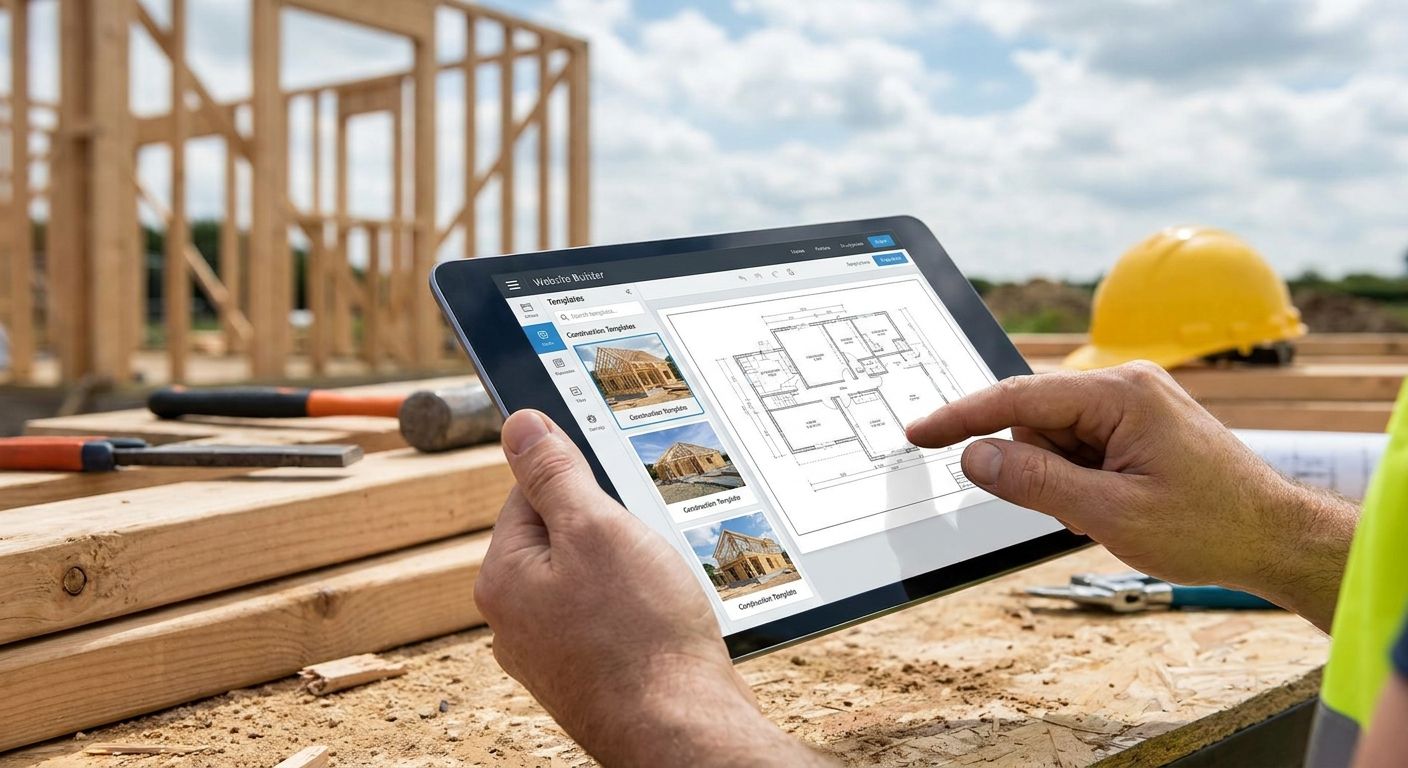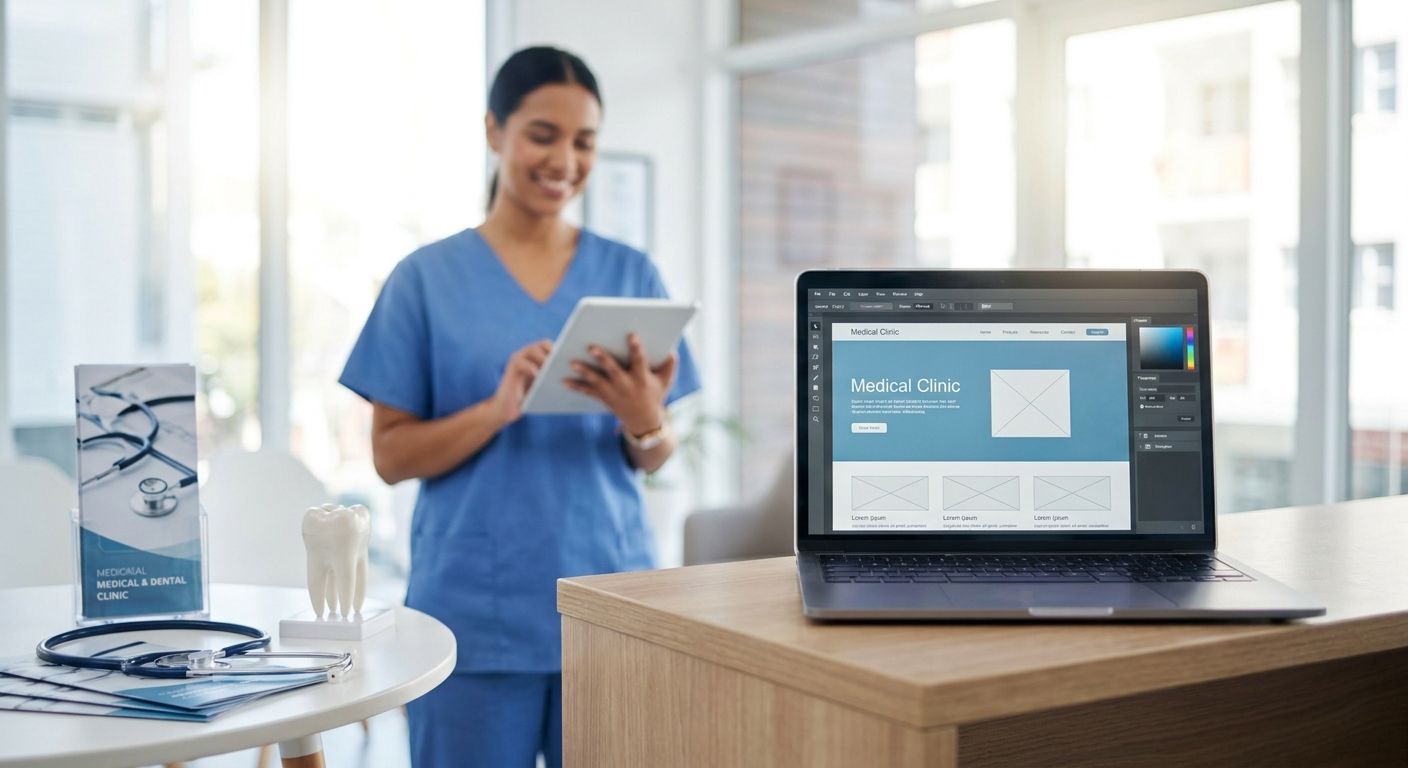
Six approaches actually work for a medical or dental clinic website in 2026, and they split into two camps: DIY builders you run yourself, and a custom build someone designs around your patient flow. Only one of them handles compliance-aware forms and multi-location SEO without workarounds.
- Best overall for clinics in 2026: a custom-built site from BL3SSED, built for PIPEDA-aware forms and integrated booking.
- Best DIY option: Wix, best for a solo practitioner launching without a designer.
- Best budget launch: GoDaddy Website Builder, best for a single-location clinic that needs to go live fast.
- Best for multi-location SEO: WordPress with Elementor, best for group practices scaling location pages.
- Best for visual-led brands: Squarespace, best for cosmetic and aesthetic dental practices.
Why this matters
A clinic website isn't a brochure. It's the first touchpoint a nervous patient has with your practice, and in 2026 most of them decide something before they ever call. Canadian patients expect PIPEDA-aware intake forms, a booking widget that works on a phone, and a page that loads before they give up and search for the next name.
Pick the wrong builder and you'll spend 2026 fighting your own website instead of growing the practice. Pick the right one — whether that's a DIY platform or a custom-built site from BL3SSED — and the site becomes infrastructure that books appointments while you're in the room with a patient.
This list ranks six ways to build a clinic website in 2026, each against a distinct use case, so you can match the platform to how your practice actually operates instead of how a template happens to look.
What makes the best website builder for medical and dental clinics
- PIPEDA-aware forms — any Canadian clinic collecting patient contact details through a form needs to handle that data with intention, not a default plugin setting.
- Real booking integration — native or embeddable scheduling, not a phone number buried in the footer.
- Page speed — Google's Core Web Vitals flag any page with a Largest Contentful Paint slower than 2.5 seconds, and slow clinic sites lose patients before the page finishes loading.
- Accessibility (WCAG 2.1 AA) — clinics serve older and disabled patients more than most industries; the builder has to support real accessibility, not a checkbox.
- Local SEO structure — multi-location practices need pages and schema markup that Google can actually parse per location.
- Content scalability — the ability to add service pages, provider bios, and location pages without hitting a platform ceiling.
Best website builders for medical and dental clinics: at a glance
| Builder | Best For | Standout Feature | Key Limitation |
|---|---|---|---|
| BL3SSED (custom build) | Clinics needing compliance-aware design and booking | Architecture built around the actual patient journey | Not a same-day DIY launch |
| Wix | Solo practitioners building it themselves | Drag-and-drop editor, no code required | Templates need real customization to look credible |
| Squarespace | Cosmetic and aesthetic dental brands | Strongest visual templates of the group | Booking and forms need third-party plugins |
| WordPress + Elementor | Multi-location group practices | No practical ceiling on pages or locations | Requires ongoing maintenance and updates |
| GoDaddy Website Builder | Single-location clinics on a tight timeline | Fastest signup-to-live-site path | Design flexibility narrows fast as you grow |
| Webflow | Practices with in-house or contract design | Full design control without hand-coding | Steep learning curve without design experience |
1. BL3SSED (custom-built website): best for clinics that need compliance and conversion
A custom build means the site is architected around your intake forms, your booking flow, and your service pages from the first sketch — not retrofitted onto a template someone else designed for a different business. BL3SSED builds these as full digital infrastructure: brand identity, site, and the systems behind it, built for practices that plan to still be growing in 2028.
BL3SSED pros:
- Site structure matches the actual patient journey instead of a generic template
- PIPEDA-aware form handling planned before launch, not patched in after
- Brand identity work included, so the site looks like the practice, not a stock theme
- Built to handle multi-service, multi-location clinics without hacking a theme's limits
BL3SSED cons:
- Not an instant self-service signup — the build runs through a design process
- Day-to-day edits typically go through the studio rather than a drag-and-drop dashboard
- Costs more upfront than a self-service template plan (see what a website costs in Canada for context on the range)
Best for: clinics that treat the website as patient-acquisition infrastructure, not a placeholder.
Verdict: Buy — for any clinic investing in a site meant to perform for years, not months.
2. Wix: best DIY website builder for solo practitioners
Wix runs on a drag-and-drop editor with templates you can adapt without a coding background. A single practitioner can get a live, mobile-responsive site running in days.
Wix pros:
- No-code editor, genuinely usable by non-technical staff
- App marketplace covers booking widgets and intake forms
- Fast to launch for a one-provider practice
Wix cons:
- Templates need heavy customization to avoid looking like every other Wix site
- Less structural flexibility once a practice adds providers or locations
Best for: a solo dentist or physician launching a first website without hiring a designer.
Verdict: Hold — fine to start on, but plan to outgrow it once the practice expands.
3. Squarespace: best website builder for cosmetic and aesthetic dental brands
Squarespace's templates lean visual first, which suits cosmetic dentistry, orthodontics, and medspa-adjacent practices that sell on before-and-after photography and brand feel. The editor is more opinionated than Wix's, which keeps sites looking clean with less design effort.
Squarespace pros:
- Strongest template quality of any template-based builder here
- Built-in blogging for before/after case content
- Clean typography and image handling by default
Squarespace cons:
- Booking and patient-intake tools need third-party integrations
- Less flexible for complex multi-location structures
Best for: single-location cosmetic or aesthetic practices where visuals do the selling.
Verdict: Buy for image-led single-location brands; Skip for multi-location groups.
4. WordPress + Elementor: best website builder for multi-location group practices
Self-hosted WordPress paired with a page builder like Elementor gives group practices the content scale to publish a page per location, per provider, and per service without hitting a platform ceiling. It's the platform most content-heavy medical SEO campaigns run on in 2026.
WordPress + Elementor pros:
- No practical limit on the number of pages or locations
- Full control over schema markup for local SEO
- Massive plugin ecosystem for forms, booking, and accessibility tools
WordPress + Elementor cons:
- Requires ongoing plugin updates and security maintenance
- Output quality depends entirely on who builds and maintains it
Best for: group practices running three or more locations that need pages to scale with the business.
Verdict: Buy — as long as someone, in-house or agency, maintains it long-term.
5. GoDaddy Website Builder: best budget option for a fast, single-location launch
GoDaddy's builder trades flexibility for speed — pick a layout, drop in services and hours, and the site is live the same day. It's built for a practice that needs a functioning web presence now, not a long-term growth platform.
GoDaddy Website Builder pros:
- Fastest signup-to-live-site path of any option on this list
- Domain, hosting, and builder bundled together
- Simple enough for non-technical staff to update
GoDaddy Website Builder cons:
- Design flexibility narrows fast once custom layouts are needed
- SEO and content tools are thinner than WordPress or a custom build
Best for: a single-location clinic that needs a site live before opening day.
Verdict: Wait — use it to launch, then plan a real rebuild once the practice is established.
6. Webflow: best website builder for clinics with in-house design support
Webflow sits between a template builder and full custom code, giving a designer visual control over every element without hand-coding. It suits a clinic that already has a designer, or works with a contractor who knows the platform.
Webflow pros:
- Near-complete design control without writing code
- Clean, fast-loading output when built correctly
- Strong CMS structure for provider and service pages
Webflow cons:
- Steep learning curve for anyone without design or Webflow experience
- Not practical for a clinic with no design resource in-house or on contract
Best for: practices with access to a designer who wants full control over the build.
Verdict: Hold — powerful only when someone on the team can actually drive it.
How we ranked
Each builder was measured against the six criteria above: PIPEDA-aware form handling, real booking integration, page speed against Core Web Vitals thresholds, WCAG 2.1 AA accessibility support, local SEO structure, and content scalability. No platform wins on all six — that's why the list is split by use case instead of stacked into one ranking.
Which website builder should you choose in 2026?
A solo practice with one provider and no expansion plans can start on Wix or Squarespace and move on. A group practice with three or more locations, or real growth targets for 2026 and beyond, should build on WordPress + Elementor or go custom with BL3SSED. Anyone who needs a site live in the next two weeks should default to GoDaddy Website Builder as an interim step — then revisit before it becomes the permanent home for the brand.
Ready to build a clinic site that converts?
BL3SSED designs custom sites and brand systems for growth-focused practices.
FAQ
What's the best website builder for a small dental clinic in 2026?
Wix or Squarespace work best for a solo practice that needs a fast, self-managed launch in 2026. Once the practice adds providers or locations, both tend to get outgrown fast.
Is a custom-built website worth it for a medical clinic?
Yes, once the clinic needs PIPEDA-aware forms, integrated booking, and multi-location SEO that templates handle poorly. A custom build from a studio like BL3SSED costs more upfront but avoids the rebuild most template sites eventually need.
Does a clinic website need to be PIPEDA-compliant in Canada?
Any Canadian clinic collecting patient contact information through a website form needs to handle that data under PIPEDA. This affects how intake forms, booking widgets, and contact pages are built, not just a privacy policy link in the footer.
Can Wix or Squarespace handle patient booking?
Only through third-party integrations, since neither platform ships with clinic-grade booking natively. Both support app marketplace add-ons that connect to external scheduling tools.
What platform works best for multi-location dental groups?
WordPress paired with Elementor scales best for three or more locations because it has no practical ceiling on the number of pages or the schema markup needed for local SEO.
How fast should a clinic website load in 2026?
Google's Core Web Vitals flag any page with a Largest Contentful Paint slower than 2.5 seconds. A slow-loading clinic page loses patients before they see the booking button.
Should a clinic use GoDaddy Website Builder long-term?
It works for a fast launch but usually gets outgrown once a practice needs real content structure or multiple locations. Treat it as a placeholder, not a permanent home.
Is Webflow good for medical websites?
Webflow works well for a clinic with in-house or contracted design support, since it gives full design control without hand-coding. Without that resource, the learning curve makes it impractical.
One last thing
The builder matters less than what happens after launch. A WCAG 2.1 AA accessibility pass and PIPEDA-aware intake forms build more patient trust in 2026 than the logo in the footer ever will. Retrofit those two things onto any platform on this list and the site works; skip them and even a custom build underperforms.