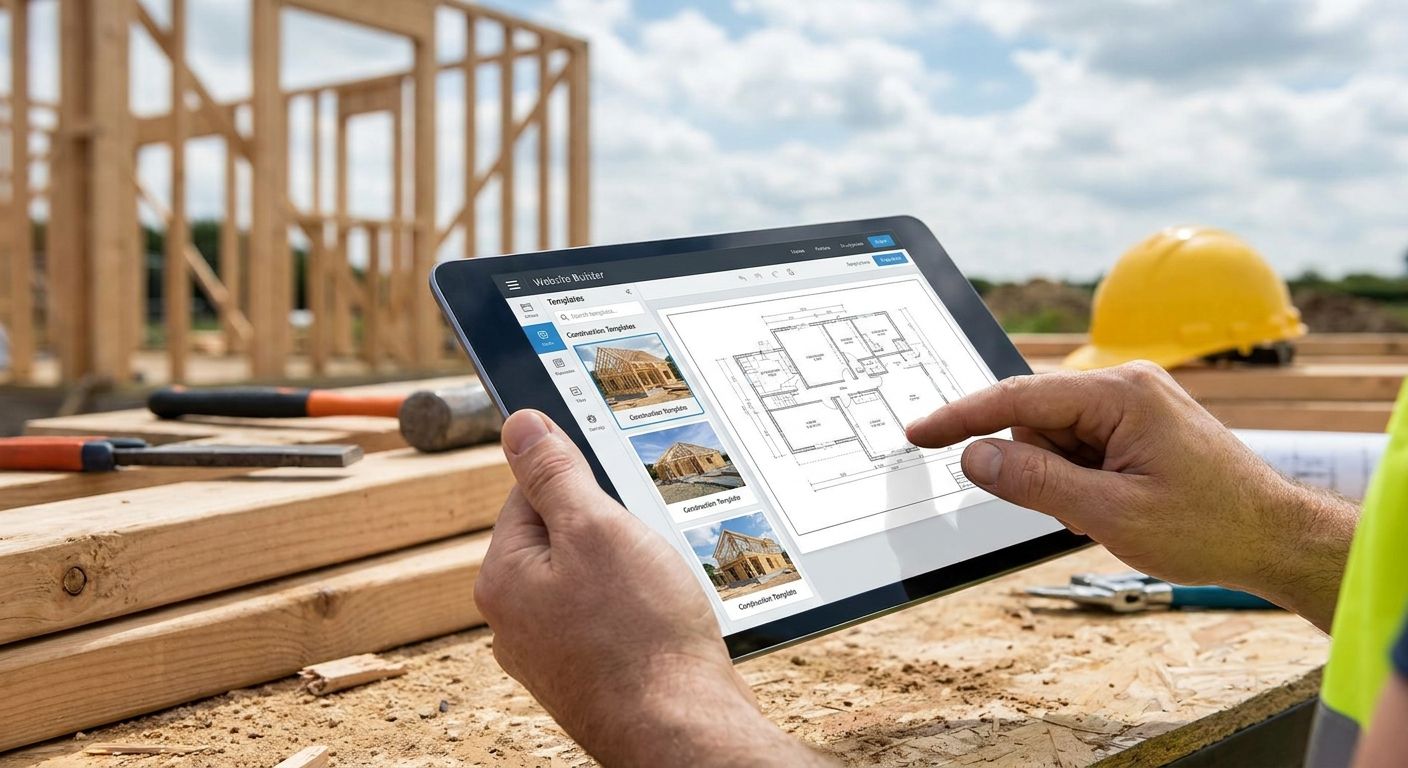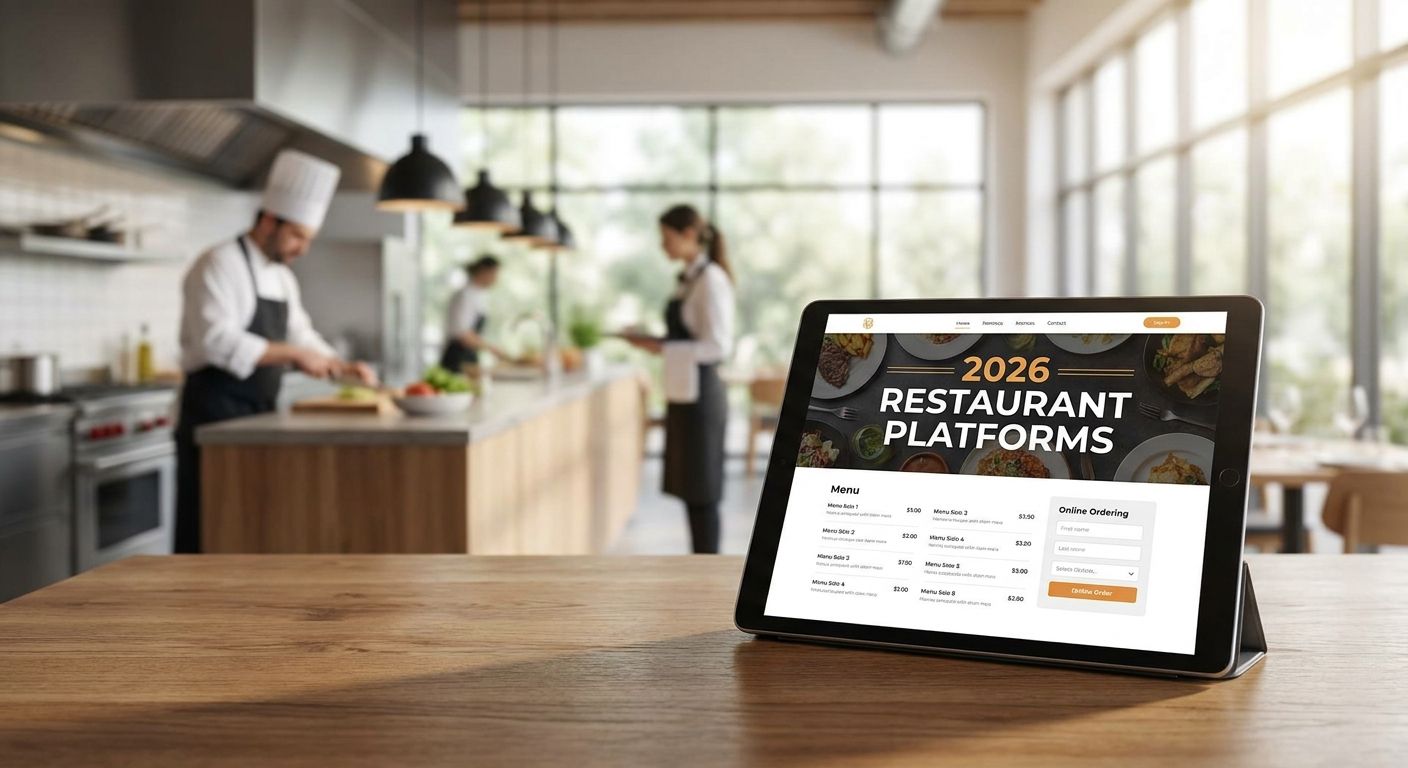
Restaurant owners in 2026 don't need another generic website — they need a platform that can handle menu updates on a Tuesday afternoon rewrite, online ordering during a dinner rush, and a homepage that actually shows the food. This guide ranks six platforms by the specific job each one does best.
- Toast Websites wins for restaurants already running Toast POS — menu and inventory sync automatically.
- Square Online is the fastest way to add payments and pickup ordering without switching POS systems.
- Squarespace is the best website platform for restaurants launching a single polished location fast.
- WordPress is the only realistic pick for restaurant groups managing four or more locations.
- Webflow suits brand-forward restaurants that want custom design without template limits.
Why this matters
A restaurant website has three jobs: show the menu, take a reservation or order, and load fast on a phone held by someone standing outside deciding where to eat. Most restaurant sites fail at the second job — a PDF menu link or a broken third-party ordering widget kills more covers than a bad photo does.
The platform decision locks you into how easily you can fix that. BL3SSED builds restaurant websites on several of the platforms below, and the pattern is consistent: restaurants that pick a platform matched to their operations spend less time fighting the site and more time updating it.
Best overall: Toast Websites for Toast POS restaurants. Best for independent launches: Squarespace. Best for multi-location groups: WordPress. Best budget DIY option: Wix.
What makes the best website platform for a restaurant
- Ordering and POS integration — does the menu update in one place or three
- Ease of menu updates — can a manager edit a dish and price without a developer
- Design flexibility — food photography and brand identity, not a generic grid
- Scalability across locations — one site handling five locations, not five separate builds
- Mobile ordering performance — load speed and checkout friction on a phone
- Total cost of ownership — hosting, plugins, and maintenance over time, not just the sign-up fee
Best restaurant website platforms in 2026 — at a glance
| Platform | Best for | Standout feature | Key limitation |
|---|---|---|---|
| Toast Websites | Restaurants on Toast POS | Real-time menu/inventory sync with the POS | Locked into the Toast ecosystem |
| Square Online | Single-location counter service | Built-in payments and pickup scheduling | Limited design flexibility |
| Squarespace | Independent restaurant launches | Photography-first templates | Online ordering needs a third-party add-on |
| WordPress | Multi-location restaurant groups | Unlimited plugin and location-page control | Requires ongoing technical maintenance |
| Webflow | Brand-forward custom sites | Pixel-level design control with a built-in CMS | Steeper learning curve for staff |
| Wix | Tight-budget DIY builds | Drag-and-drop editor, restaurant templates | Ordering integrations are shallower |
1. Toast Websites: best website platform for restaurants running Toast POS
Toast Websites is the website layer built directly on top of Toast's point-of-sale system, so a menu change in the POS shows up on the site without a second login. It's built for restaurants that already run kitchen displays, online ordering, and payments through Toast.
Toast Websites pros:
- Menu and inventory sync automatically with the POS, no double entry
- Online ordering routes straight to the kitchen display
- Hosting and updates are handled by Toast
Toast Websites cons:
- Only makes sense if you're already committed to Toast hardware
- Design templates are restaurant-specific but not highly customizable
- Switching POS providers later means rebuilding the site from scratch
Verdict: Buy — if you're already on Toast POS, this removes the biggest daily headache in restaurant sites: keeping the menu consistent across systems.
2. Square Online: best for counter-service restaurants needing payments built in
Square Online pairs a website builder with Square's payment processing and hardware, which matters for quick-service spots that live or die on pickup and delivery speed. It skips the step of bolting a third-party ordering plugin onto a template.
Square Online pros:
- Payments and online ordering are native, not an add-on
- Pickup and delivery scheduling built into checkout
- Works with Square hardware already on the counter
Square Online cons:
- Design customization trails dedicated website builders
- Multi-location menu management gets clunky past two or three sites
- Less room for brand-heavy visual storytelling
Verdict: Buy — for a single-location counter-service restaurant that wants ordering live in a day, not a month.
3. Squarespace: best website platform for restaurants launching a single location fast
Squarespace's template library leans hard into photography, which is the one asset most independent restaurants already have and underuse. A manager can update the dinner menu or add an event page without touching code.
Squarespace pros:
- Templates built around large food photography, not stock layouts
- Reservation and event page templates included out of the box
- Simple enough for non-technical owners to maintain
Squarespace cons:
- Online ordering usually needs a third-party integration layered on top
- Backend structure gets restrictive as the business grows past one location
- SEO customization options are narrower than a full CMS
Verdict: Buy — for a single independent restaurant that wants a fast, visually strong launch this year.
Owners weighing Squarespace against other DIY options should look at the broader website builders for Canadian small businesses before committing, since the right pick depends on how much ordering complexity you actually need.
4. WordPress: best for restaurant groups running multiple locations
WordPress is the only platform on this list built to scale past a handful of locations without turning into a maintenance nightmare. Every location gets its own page, its own hours, its own map pin, all pulled from one content structure.
WordPress pros:
- Unlimited plugin options for reservations, ordering, and location pages
- Full ownership of code and content, no platform lock-in
- Scales cleanly to dozens of locations with the right theme structure
WordPress cons:
- Requires more setup time than a hosted builder
- Plugin conflicts are a real risk without a developer managing updates
- Hosting and security become the restaurant's responsibility, not the platform's
Verdict: Buy — for restaurant groups with more than two locations that need centralized control.
A restaurant group weighing WordPress against other content systems should compare it directly against the CMS platforms for growing businesses before locking in a build.
5. Webflow: best for restaurant brands wanting custom design without template limits
Webflow gives a designer pixel-level control without writing code, which matters for restaurant brands that have invested in a distinct visual identity and don't want it flattened into a generic template. It ships with a built-in CMS for menu and location updates.
Webflow pros:
- Pixel-level design control, not template constraints
- Fast page load performance out of the box
- Built-in CMS handles menu and location updates without a developer
Webflow cons:
- Steeper learning curve for in-house staff managing content
- Ordering and reservation systems still need third-party integration
- Upfront build cost runs higher than a template-based builder
Verdict: Buy — for a restaurant brand treating the website as a design asset, not a placeholder.
6. Wix: best budget option for restaurants building it themselves
Wix's drag-and-drop editor asks for no technical skill, which makes it the default pick for a restaurant owner building a site solo over a weekend. Restaurant-specific templates come with menu and reservation widgets already in place.
Wix pros:
- Drag-and-drop editor with no code required
- Restaurant templates include menu and reservation widgets
- App marketplace covers basic ordering needs
Wix cons:
- Site performance can slow down with heavy customization
- Migrating off Wix later is more difficult than leaving other builders
- Ordering integrations are shallower than dedicated restaurant platforms
Verdict: Hold — fine for a soft launch or a single-location test, not for a restaurant planning to scale.
How this ranking works
Each platform above is scored against the six criteria listed earlier — POS integration, ease of menu updates, design flexibility, scalability, mobile ordering performance, and total cost of ownership. No platform wins on every criterion, which is why the list is a decision tree by use case, not a single leaderboard.
Restaurants selling merchandise or gift cards alongside food should also check the broader e-commerce platforms for small businesses before assuming their website platform handles retail checkout well.
“The platform that syncs with your POS beats the platform with the prettiest template every time.”
Which website platform should a restaurant choose in 2026?
If you're already running Toast POS, Toast Websites is the default — it removes menu-sync friction that eats staff time every week. A single independent location launching this year should default to Squarespace for speed and photography. A group past two locations should default to WordPress for control. Everyone else building solo on a tight timeline can start with Wix and plan to migrate once ordering volume justifies a heavier platform.
Get a restaurant site built right
BL3SSED builds and integrates restaurant websites on the platform that fits your operations.
FAQ
What is the best website platform for a restaurant in 2026?
There's no single best platform — Toast Websites wins for restaurants already on Toast POS, Squarespace wins for a fast independent launch, and WordPress wins for restaurant groups with multiple locations. The right pick depends on your POS setup and how many locations you run.
Is Squarespace good for restaurants?
Squarespace is a strong fit for a single independent restaurant that wants a photography-forward site launched fast in 2026. It requires a third-party integration for online ordering, so it's less ideal for high-volume delivery operations.
Do restaurants need online ordering built into the website platform?
Not always, but it removes friction. Platforms like Toast Websites and Square Online build ordering directly into the checkout, while Squarespace, Wix, and Webflow route ordering through a third-party integration.
Which platform works best for a restaurant with multiple locations?
WordPress handles multi-location restaurant groups best because each location gets its own page pulled from one shared content structure, and it scales to dozens of locations without rebuilding the site each time.
Can I switch website platforms after launching a restaurant site?
Yes, but the difficulty varies by platform. Migrating off Wix or a POS-tied builder like Toast Websites is harder than migrating a WordPress or Webflow site, since content and structure are more portable on open platforms.
Is Wix good enough for a restaurant website?
Wix works for a soft launch or single-location test in 2026, with restaurant templates that include menu and reservation widgets built in. It's a hold, not a long-term pick, once ordering volume or location count grows.
Does the website platform affect how fast a restaurant site loads on mobile?
Yes — Webflow and Toast Websites tend to load faster out of the box because they carry less third-party plugin weight, while heavily customized Wix or WordPress sites can slow down if not maintained.
Should a restaurant build its own website or hire a studio?
A solo owner on a tight budget can build on Wix or Squarespace directly. A restaurant group or a brand-forward concept usually gets more value from a studio handling the build on WordPress or Webflow, since the setup and integrations take real time.
One last thing
The restaurant sites that lose customers aren't the ugly ones — they're the ones where the menu is a PDF link that opens a blank screen on a phone. Before picking a platform in 2026, check whether it renders the menu as a real page, not a download. That single detail decides more bounce rates than any template choice on this list.